

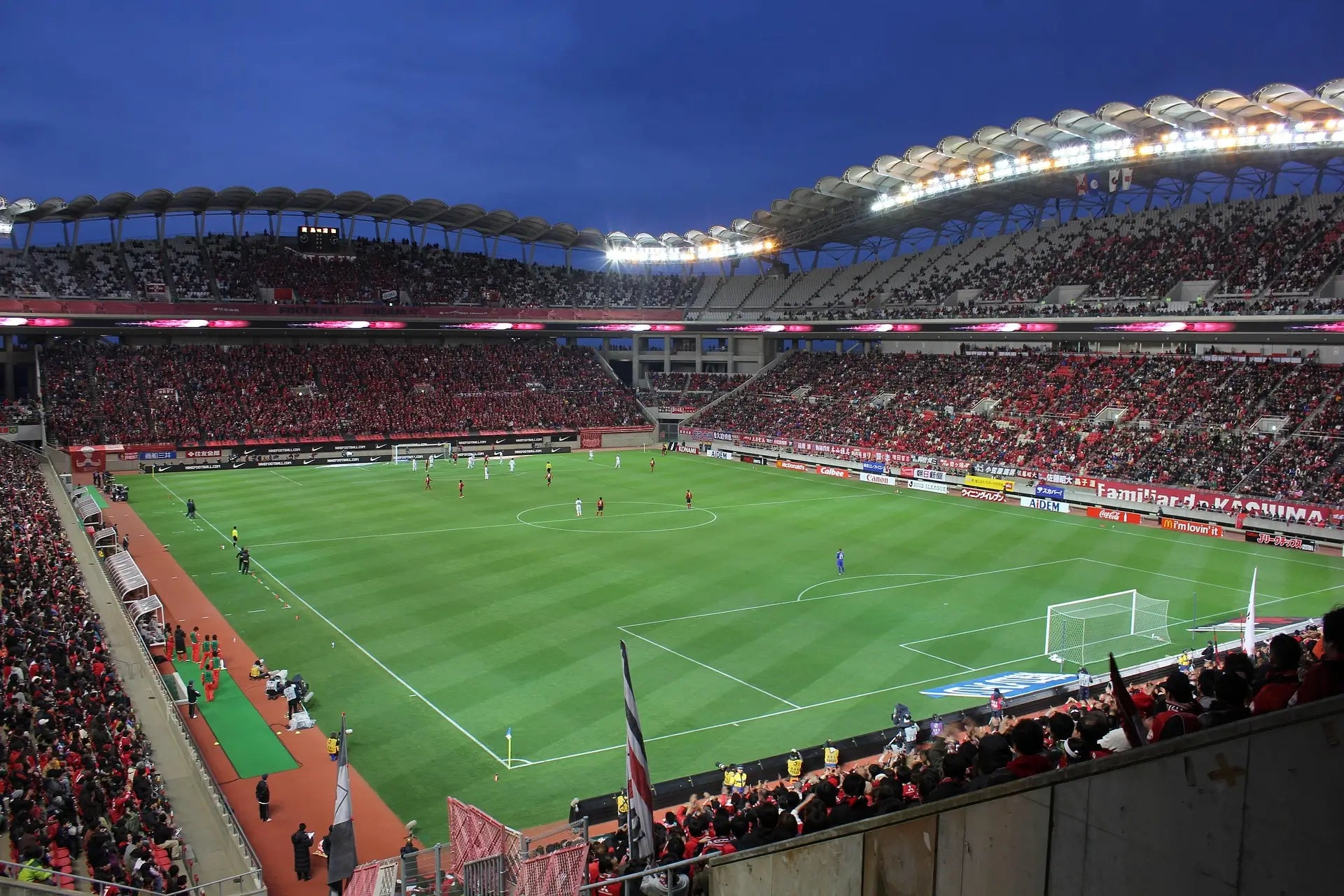
Capturing a clear goal, a fast attack, or a player celebration from the stands is not easy. Distance, digital zoom, and hand shake can quickly turn an exciting match-day moment into a blurry photo. This guide shows you how to take sharper soccer photos with your phone from stadium seats.
Why Soccer Photos From the Stands Often Look Bad
The Players Are Too Far Away
From most seats, players appear small in the frame, especially when the action happens on the far side of the field.
Digital Zoom Gets Blurry
Phone digital zoom crops and enlarges the image, which often reduces detail and makes players look soft or pixelated.
Hand Shake Is Magnified
The more you zoom in, the more visible small hand movements become, especially during fast soccer action.
Pre-Match Setup: 3 Things to Do Before Kickoff
1. Clean Your Camera Lens
Fingerprints, dust, and pocket lint can reduce sharpness and contrast. Before kickoff, clean your phone camera lens with a microfiber cloth.
2. Lock Focus and Exposure
Press and hold on your phone screen to lock focus and exposure before the action starts. This helps prevent focus hunting and sudden brightness changes.
3. Use Burst Mode
Soccer action happens fast. Use burst mode when a player is attacking, shooting, or celebrating so you can choose the sharpest frame afterward.
Quick tip: Start shooting before the shot happens. The best soccer photos are often captured one or two seconds before the key moment.
Best Soccer Moments to Capture
Player Entrance
The pre-match walkout is ideal for capturing stadium atmosphere, player formations, and crowd energy.
Attacking Plays
When a team moves toward the goal closest to your seat, follow the player with the ball and keep your phone steady before pressing the shutter.
Goal Celebrations
Celebrations usually last longer than the shot itself, giving you more time to capture clear faces, emotion, and fan reactions.
Why Optical Zoom Matters for Stadium Photography
The biggest limitation of phone photography from stands is reach. Digital zoom simply enlarges the image after capture, while optical zoom brings the subject closer before the image is recorded.
| Feature | Digital Zoom | Optical Zoom |
|---|---|---|
| Image Detail | Lower | Higher |
| Distant Players | Often blurry | Clearer and closer |
| Best For | Casual snapshots | Sports, stadiums, action |
Gears Recommended to Shoot Distant Photos

TeleMacro Pro 10X 2-in-1 Lens
Best for individual player shots, goal celebrations, and mid-to-long distance action.
- Ideal for player close-ups
- ED glass for sharper details
- Perfect for stadium photography

TeleZoom 5–10X Telephoto Lens
Adjustable optical zoom for flexible stadium shooting from different seating positions.
- Adjustable 5X–10X magnification
- Great for tracking field action
- Perfect for sports and wildlife
Improve Stability and Image Quality With a Tripod and CPL Filter
Use a Tripod for Better Stability
A compact tripod helps reduce hand shake when shooting at long distances. It also makes it easier to record stable videos during long matches.
Use a CPL Filter to Reduce Glare
A CPL filter can help reduce reflections, improve contrast, and make grass, sky, and jerseys look richer during daytime matches.
Want Better Match-Day Photos?
See the gear, tips, and exclusive offers that help fans capture sharper players, closer action, and unforgettable goal moments from the stands.
See Match Day Offers
Share:
World Cup Match Day Essentials: Get Closer To Every Goal With Your Mobile
What to Pack for a World Cup Watch Party: Phone Photography and Creator Setup