

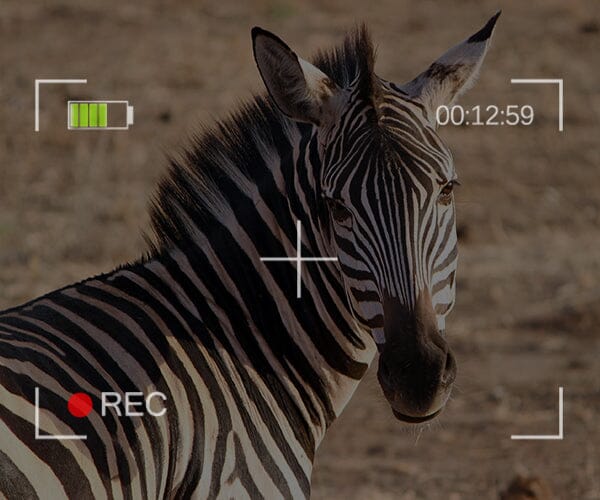
Smartphone cameras have evolved faster than any other photography tool in the past decade. Whether you’re capturing travel memories, product shots, or everyday life moments, mobile photography has become powerful enough to rival traditional cameras—especially when combined with the right accessories.
If you’re looking to take your smartphone photos from basic to breathtaking, here are 10 practical tips you can start using today.
These are perfect for beginners, creators, and anyone who wants better results without expensive gear.
1. Clean Your Lens (It Matters More Than You Think)
Most people overlook this step.
Oil, fingerprints, dust, and pocket lint can soften your image, reduce contrast, and cause unwanted flares.
Quick fix:
Use a microfiber cloth or lens wipe. A clean lens = instantly sharper photos.
2. Use Natural Light Whenever Possible
Lighting is the foundation of every great photo.
If you’re indoors, position your subject near a window. If outdoors, shoot during the golden hour—the hour after sunrise or before sunset—for warm, flattering tones.
Avoid:
Direct midday sunlight — it creates harsh shadows and blown-out highlights.
3. Tap to Focus (Don’t Let Your Phone Decide)
Your smartphone uses autofocus, but it doesn’t always know what you want to highlight.
Tip:
Tap on your subject to set the focus.
On most phones, you can also hold to lock the focus and exposure for consistent shots.
4. Use the Rule of Thirds
Turn on the grid lines in your phone’s camera settings.
This helps you compose balanced, professional-looking images by placing your subject along the grid’s lines or intersections.
It’s a simple trick that dramatically improves composition.
5. Keep Your Shot Steady
Blurry photos usually come from hand shake.
Ways to stabilize your phone:
- Use both hands
- Lean against a wall
- Use a tripod (mini tripods or smartphone clamps work great)
- Use a timer instead of tapping the screen
A stable camera = sharper results.
6. Get Close — Don’t Zoom
Digital zoom decreases quality because it simply crops the image.
Better option:
Move physically closer to your subject.
Best option:
Use a macro lens, like those available from Apexel, for detailed close-up shots of flowers, textures, jewelry, food, and more.
7. Experiment With Lenses for More Creativity
Smartphone lenses are amazing, but external lenses open a whole new world.
Popular choices at Apexel include:
- Wide-angle lenses for landscapes and group photos
- Telephoto lenses for portraits and distant subjects
- Macro lenses for extreme close-ups
- Fisheye lenses for fun creative effects
- Anamorphic lenses for cinematic videos
Mobile creators can drastically improve image quality and expand creativity with the right lens kit.
8. Use the Right Shooting Mode
Most modern phones have modes such as:
- Portrait
- Night mode
- Pro / Manual mode
- HDR
- Slow motion / Time-lapse
Try each mode to see what works best for your scene.
For example, manual mode lets you control ISO, shutter speed, and white balance—great for learning photography fundamentals.
9. Edit Your Photos (But Don’t Overdo It)
Editing is where your photos come alive.
Recommended apps:
- Lightroom Mobile
- Snapseed
- VSCO
- CapCut (for video edits)
Basic adjustments that make a huge difference:
- Exposure
- Contrast
- Highlights & shadows
- White balance
- Sharpness
- Color grading
Aim for natural improvement, not heavy filters.
10. Keep Practicing & Experimenting
Photography improves with practice.
Try new subjects, angles, lighting styles, and techniques. The more you experiment, the more you’ll discover your personal style.
And with tools like Apexel’s mobile lens kits, you can expand your creative range instantly.
Final Thoughts
Your smartphone is more powerful than most people realize. With the right techniques—and a few carefully selected tools—you can capture stunning photos that stand out.
If you’re ready to upgrade your mobile photography setup, check out the full collection of lens kits and creator tools at ShopApexel.com.
Share:
How to Capture Professional-Grade Photos with Your Smartphone Using Apexel Lenses
🎄 APEXEL Official Christmas Gift Guide 2025: The Best Mobile Photography Gifts for Creators & Explorers