



Magnification

Magnification
Magnification
Magnification

Compatibility

Fill light
TriScope Smart Triple-Magnification Phone Microscope (40X/80X/120X)
🏆 2025 EPDA Best Product Design & 🏆 2025 Global Sources Best Innovation Award
Get the Highlights
- Smart Triple Zoom — 40X / 80X / 120X—3 seconds to switch, zero learning curve.
- Pro Dual Illumination — 16 LEDs + 8 UV · CRI 92+ · dual color temperature.
- Universal for Phone & iPad — Innovative integrated design,works with 99% smartphones & tablets, even with cases.
- 5-Hour Battery Life — Type-C charging, supports use while charging.
Pairs well with
Free shipping on orders over $59.99
60-day risk-free trial
2-Year Warranty
Fast & Free Shipping
Magnification
Magnification
Magnification
Magnification
Compatibility
Fill light
TriScope Smart Triple-Magnification Phone Microscope (40X/80X/120X)
Meet TriScope — The World’s First Smart Triple-Magnification Phone Microscope
TriScope brings true scientific clarity to your everyday tech. With a simple twist, switch instantly between 40X, 80X, and 120X—no apps, no learning curve, no bulky equipment.
Whether you're a teacher, a jeweler, a science lover, or a content creator, TriScope reveals layers of detail you’ve never seen before.
Three Magnifications. Three Perspectives. One Twist
One device = three microscopes
Most phone microscopes limit you to one fixed magnification.
TriScope eliminates the guesswork.


40X · 80X · 120X — See More With A Single Twist
From structure… to detail… to micro-detail. TriScope covers 90% of real-world observation needs.

40X — Structure View
Perfect for leaves, textiles, minerals, electronics, insects’ overall structure.
Great for classrooms and STEM activities.
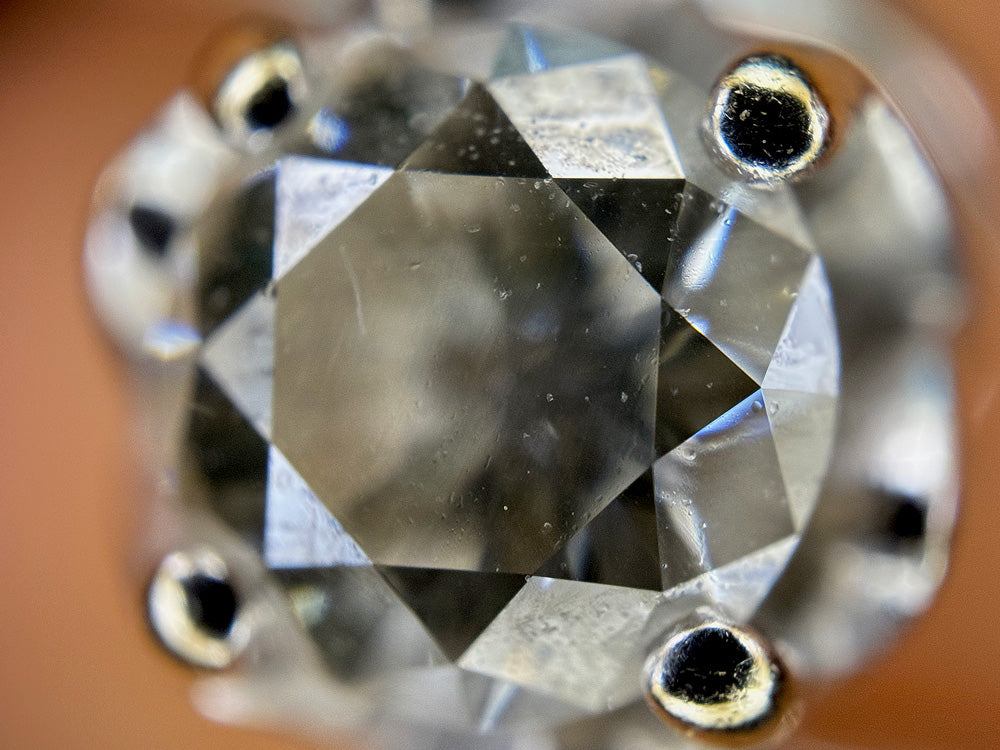
80X — Balanced Details
Ideal for STEM teaching, insect anatomy, plant veins, crystal textures.
Our most commonly used setting.

120X — Micro-Detail Mastery
See fibers, micro cracks, micro-textures, tiny structures invisible to the naked eye.
Loved by creators and professionals.

If you have any questions, you are always welcome to contact us. We'll get back to you as soon as possible, within 24 hours on weekdays.
-
FAQ’s
- Q: How soon will my order ship?
- A: Orders are typically processed within 24 hours and shipped the same day if placed before our cutoff time.
- Q: How do I track my order?
- A: Once your order ships, we send an email with a tracking number and instructions on how to monitor its progress online.
- Q: Are Apexel lenses compatible with my phone?
- A: Yes! Designed for iPhone 13–16, Samsung Galaxy/Note, Google Pixel, Huawei, and more.You can check the specific models through the compatibility content at the bottom of each product page, or check it through the compatibility guide page.
-
Shipping Information
- Order Processing: All orders are processed within 24 hours (excluding weekends and holidays), so you can expect your package to ship promptly.
- Delivery Estimates: Standard delivery typically takes 7 business days. Expedited shipping options are available at checkout.
- Tracking Your Order: Once your order has shipped, you will receive a tracking number via email so you can monitor your package’s progress in real time.
- International Shipping: We proudly ship worldwide. Delivery times and shipping fees for international orders will be calculated at checkout.
- Exceptions & Delays: In rare cases, weather or logistical issues may affect delivery times. If your package is delayed, our support team will notify you promptly with updates.
-
Customer Support
- Email Support: For any questions or issues, send us an email at support@apexel.com and one of our support specialists will assist you.
- Live Chat: Access our live chat option on the website for real-time support and quick answers to your questions.
- Feedback & Suggestions: We value your input. Use our contact form on the website to provide feedback or request additional information, ensuring we continually improve your experience with Apexel.
Product details
What is MS3L TriScope Compatible With?
After rigorous testing, we’ve expanded the PhoneMicro 5 Series to work with every new iPhone, Pixel, Xiaomi, Huawei, and Samsung phone.
Due to the large number of mobile phones on the market, we cannot list them one by one. If you are not sure whether it is suitable for your phone, please contact us directly and we will respond to you within 24 hours.
Included in the Box

MS3L TriScope
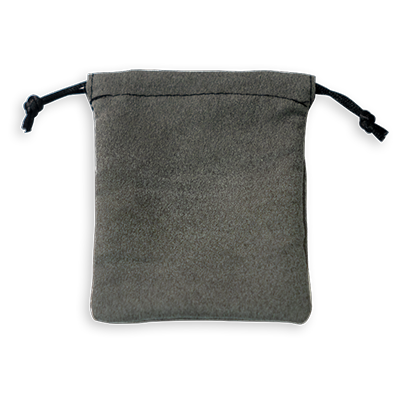
Waterproof Cloth Bag
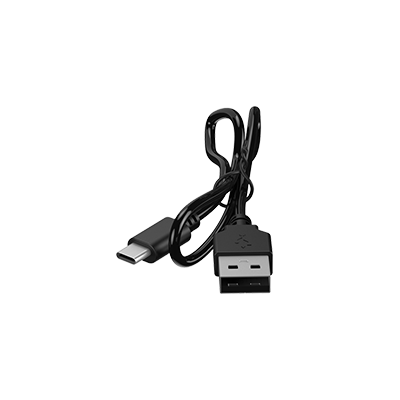
USB Type-C
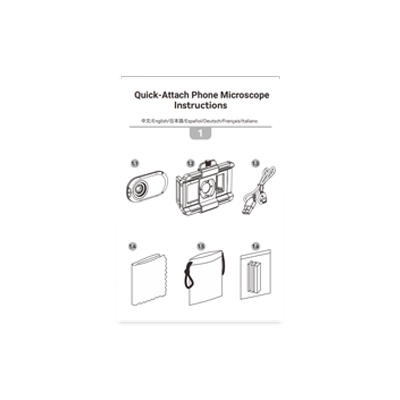
Manual

Wiping Cloth
Is TriScope compatible with my smartphone or tablet?
TriScope works with most iPhones, Android smartphones, and compatible tablets, including popular Samsung Galaxy, Google Pixel, and Huawei models. Its adjustable clamp fits devices approximately 7–10 cm (2.8–3.9 inches) wide, even with many phone cases. For foldable devices or phones with large camera bumps, we recommend checking Compatibility Guide before purchasing.
What's the difference between 40X, 80X, and 120X magnification?
Each magnification reveals a different level of detail:
- 40X: Explore leaf surfaces, fabric weaves, insect structures, and minerals.
- 80X: Examine plant veins, insect anatomy, crystals, and intricate textures.
- 120X: Discover fine fibers, tiny surface cracks, and microscopic textures.
Simply twist the magnification selector to switch between all three levels without changing lenses.
Do I need a special app or additional equipment to use TriScope?
No special app or additional microscope lens is required. Simply attach TriScope to your smartphone, align it with the main camera, select your preferred magnification, and start exploring. You can use your phone's built-in camera app to capture photos and videos.
Does TriScope have built-in lighting for dark environments?
Yes. TriScope features 16 white LEDs with adjustable color temperature and 8 UV LEDs. The white LEDs provide illumination for detailed observations, while the UV LEDs help reveal fluorescent materials and features that may be difficult to see under ordinary lighting.
How long does the battery last, and can I use TriScope while charging?
TriScope provides up to 5 hours of use on a full charge, depending on lighting settings and usage. It supports USB-C charging and can be used while charging, making it convenient for extended classroom activities, field exploration, and creative projects.
What can I observe with the TriScope microscope?
TriScope is perfect for exploring everyday objects in extraordinary detail. Observe insects, leaves, flowers, fabric fibers, coins, jewelry, minerals, electronic components, and more. Its three magnification levels make it versatile for nature exploration, STEM education, hobby inspection, and creative photography.
Why does my image look blurry or have dark edges?
Blurry images or dark corners are usually caused by camera misalignment or incorrect focusing distance. Make sure TriScope is centered over your phone's main camera, then adjust the distance between the microscope and your subject until the image becomes sharp. Slight digital zoom may help eliminate dark edges on certain phones.
Is TriScope suitable for kids, students, and beginners?
Absolutely. TriScope is designed to be easy to use, even for first-time microscope users. Its simple clip-on setup and three selectable magnifications make it a great tool for students, teachers, curious kids, and science enthusiasts. Adult supervision is recommended for younger children, especially when using UV lighting.